A digital product description template buyers can check
Write clear digital product descriptions with requirements, duration, delivery and support. Includes a copyable template and a fictional before/after example.
Check stock, payment evidence, key delivery and support hours before going offline. A practical workflow checklist for Telegram digital-product shop owners.
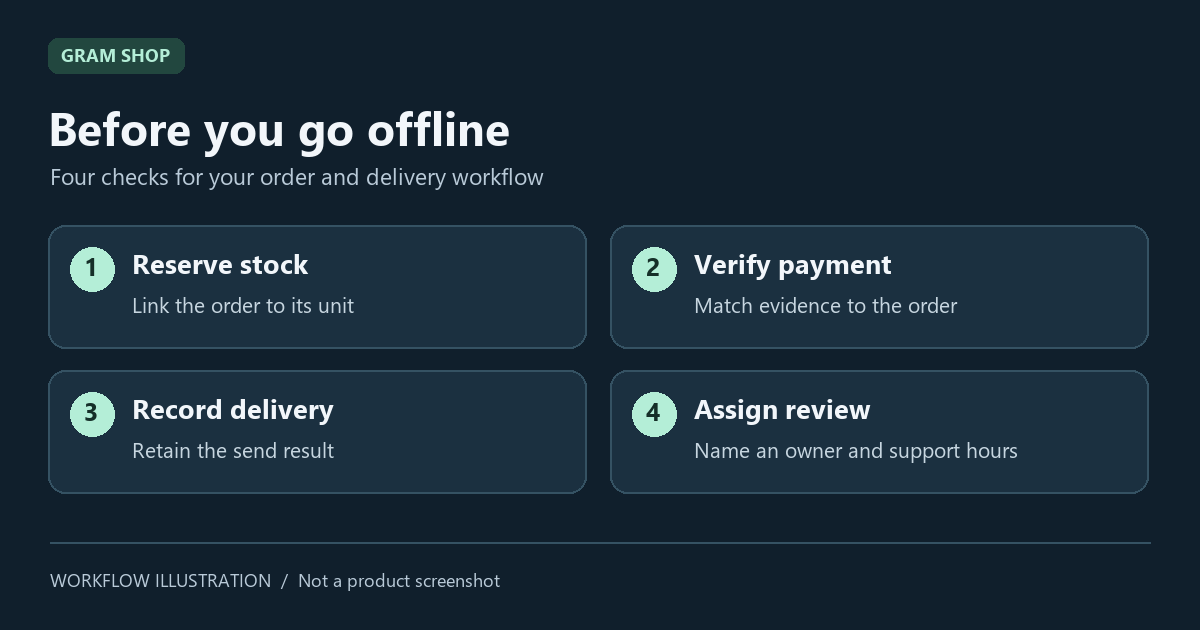
You close your laptop, but a buyer still wants a license key. If every order waits for you to check a payment and paste a key, delivery depends on your return. Before automating that work, decide which orders may proceed and which need a person to review them.
This checklist is for owners selling digital products through Telegram. Use it to review your current workflow or assess a new tool. All order references below are synthetic.
Write down order-taking hours, automatic delivery conditions and human support hours separately. A bot replying to a message does not establish that an order is paid or delivered. Buyers need to know which step is complete and when someone will review a support request.
For pre-stocked license keys you are authorized to distribute, assess reservation and delivery of the assigned key. A custom design still needs someone to create it. Set delivery expectations for each product type.
Telegram's digital-goods payment documentation requires Telegram Stars for digital goods and services sold through bots or mini apps inside Telegram applications. Sellers also remain responsible for payment disputes and customer support.
Before choosing a sales bot, check that its payment flow fits your product and the current platform rules. A bot displaying payment instructions is not evidence that the platform permits that payment method.
For the synthetic order ORDER-DEMO-01, find evidence for each step below. UNIT-DEMO-01 labels an inventory record; it contains no license key.
| Step to check | Evidence to retain | If the condition is unmet |
|---|---|---|
| Reserve stock | The order is linked to eligible inventory | Show an out-of-stock or waiting state under your shop's procedure |
| Confirm payment | Verified payment evidence matches the order | Hold for review; a transfer screenshot is insufficient |
| Allocate a unit | ORDER-DEMO-01 is linked to UNIT-DEMO-01 | Have the responsible operator inspect the allocation |
| Deliver | A send result identifies the order and its allocated unit | Inspect the previous attempt before deciding to resend |
Gram Shop's implemented delivery command uses the inventory allocation already attached to the order. Tests also check that a failed send retries the same allocation. This is implementation and test evidence, rather than a measurement of live delivery performance.
Review paid status and delivery results separately. If a buyer reports a missing key, trace the order reference through its send history. Taking another key from stock can give one order two units.
A failed send may be eligible for retry. An uncertain result needs inspection. For each failure category, record who reviews it and when they check the queue. Customer messages must reflect actual staffing.
Adapt this after-hours acknowledgment to your shop's real support schedule:
We received your support request for order [order reference]. Our team will review it from [time, time zone and working day] and update you in this chat. Please keep your order reference.
Report delivery only when you have a corresponding delivery result. Use order references and status when discussing support cases. Keep key contents in protected storage.
Use synthetic data in an appropriate test environment. Include both a completed journey and a case requiring a person. Record where intervention is still needed.
| Test scenario | Result to observe |
|---|---|
| An order eligible for delivery | Payment evidence, allocated stock and the send result can be traced |
| Two purchases targeting the last key | The same unit is not allocated to both purchases |
| A failed delivery attempt | The failure is recorded with a next action and an assigned reviewer |
| A support request outside working hours | The buyer sees support hours and knows to keep the order reference |
If a step still depends on you, document it before promising after-hours service. Keep your existing setup if it fits your order volume and staffing.
To discuss fit with Gram Shop, send us your order and delivery workflow. Include the product type, remaining manual steps and planned support hours. Controlled Beta access requests are reviewed individually.
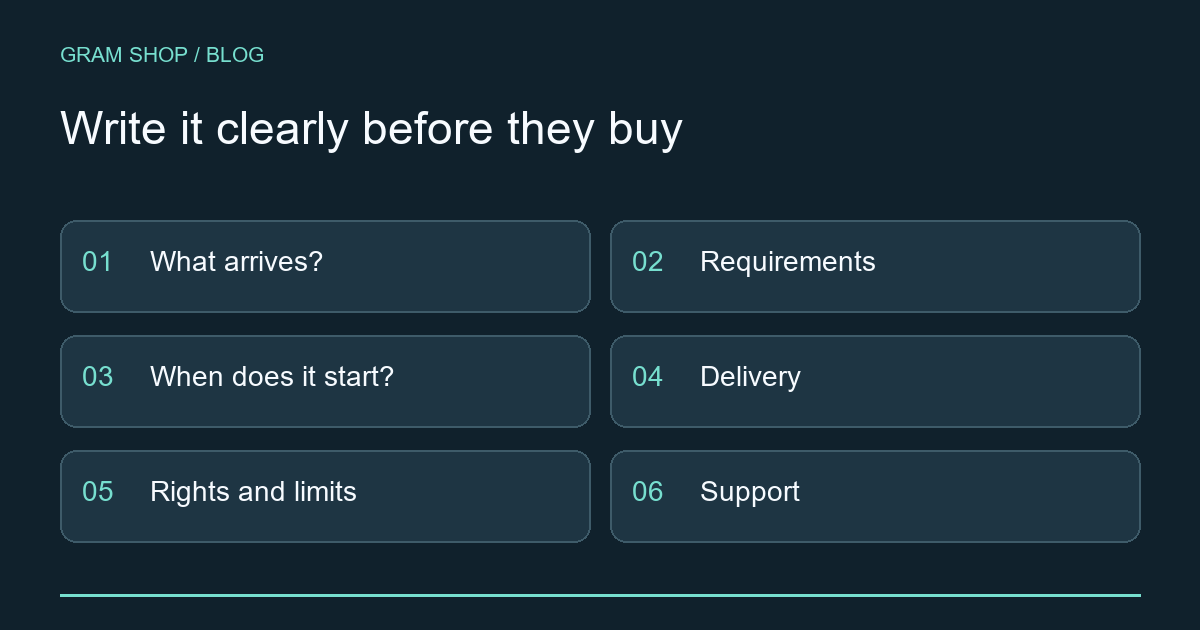
Write clear digital product descriptions with requirements, duration, delivery and support. Includes a copyable template and a fictional before/after example.
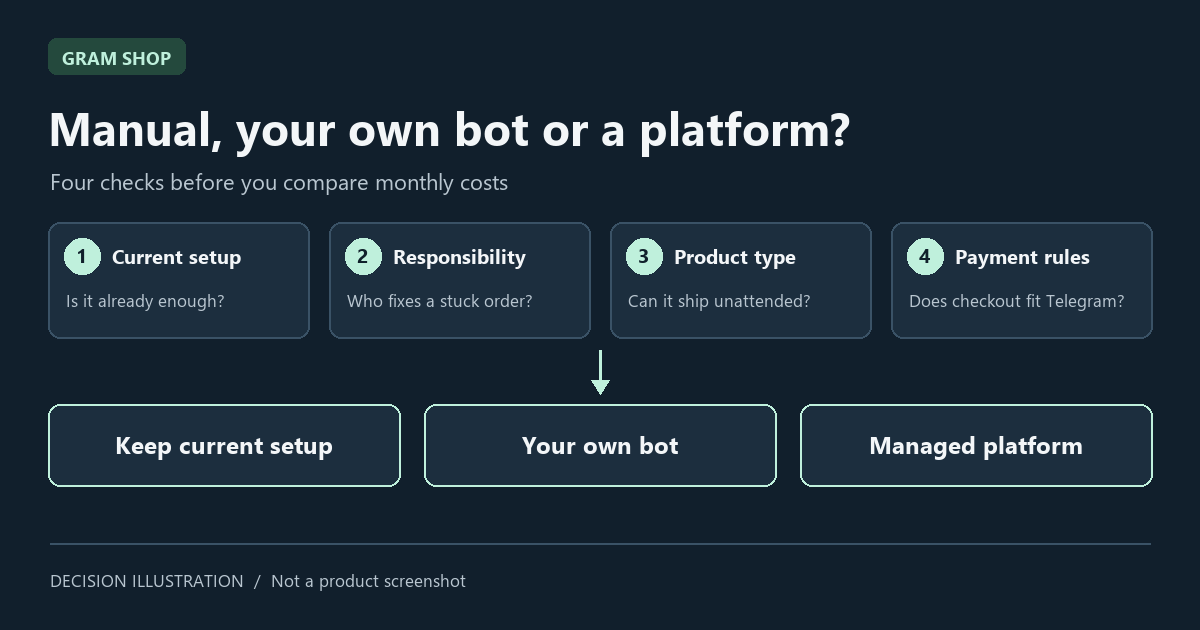
Keep selling by hand, run your own Telegram bot or use a platform? A four-step worksheet on current fit, responsibility, product type and payment rules.
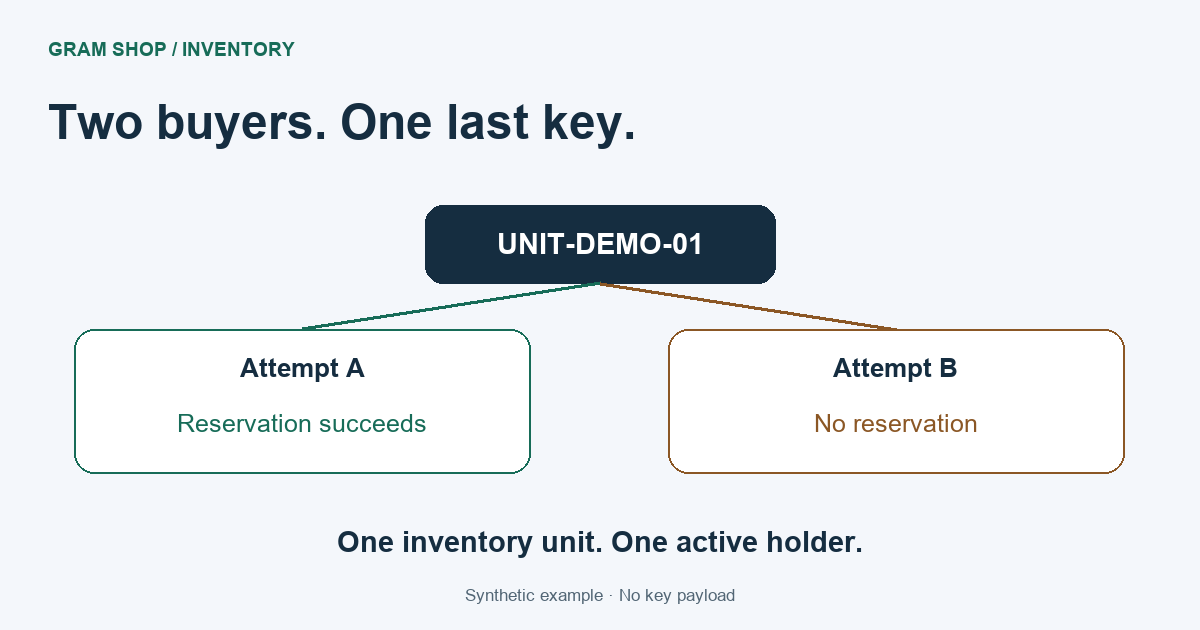
Avoid selling the last key twice. Trace two synthetic purchase attempts through stock display, reservation and sale, with an operator evidence checklist.
Gram Shop is in Controlled Beta. Tell us about your Stores and payment rails and we will set up your Team.